Wound measurement Choose how you'd like to continue
Quick email sign-in — try a measurement. No account needed.
Sign in with your PractiseOS account to load assigned patients.
Trial measurement demo We'll email you a 6-digit code
Email
Enter the 6-digit code sent to
WoundOS
Sign in with your PractiseOS account to load your assigned patients
Email
Password
Same credentials as PractiseOS. You'll only see patients assigned to you.
My patients
Select a patient to begin
My patients
Loading…
Register patient
Add a new patient to your panel, then start the assessment.
First name *
Last name *
Gender
Date of birth *
Height (cm)
Weight (kg)
Phone
Email
Preferred provider
Patient
Measurement history
Measurement history
Loading…
Welcome
Start a new wound assessment
Recent cases
Loading…
🔗
—
—
Patient & wound
Demographics and wound context for charting & billing.
Patient name
Gender
Age
Date of birth
Date of service
Height (cm)
Weight (kg)
Wound location
Wound type
Dx code (ICD-10) *
Ordering provider
Provider NPI
Facility
Place of conduct
Add another wound
Same patient & visit — just this wound's location, type, and diagnosis.
Wound location
Wound type
Dx code (ICD-10) *
Pre-procedure checklist
🧾 Proof of medical necessity — required before measurement & product application (collagen-based wound management). Order each applicable test; results may be recorded as they return.
Extremity wound
Enables ABI + Doppler
ID screen indicated
HIV / Hep B / Hep C
0 ordered0 resulted
Consent & attestation
Confirm on-site presence and patient consent before capturing wound images.
Nurse On-Site Confirmation
I confirm that I am physically present at the patient's location and conducting this visit in person.
Patient Awareness
The patient has been clearly informed about the wound imaging process, measurement procedure, and the purpose of data collection.
Informed Consent Obtained
The patient has understood the procedure and has voluntarily provided consent without any coercion or pressure.
Before you capture
Five quick checks for an accurate, calibrated measurement.
Wound Capture
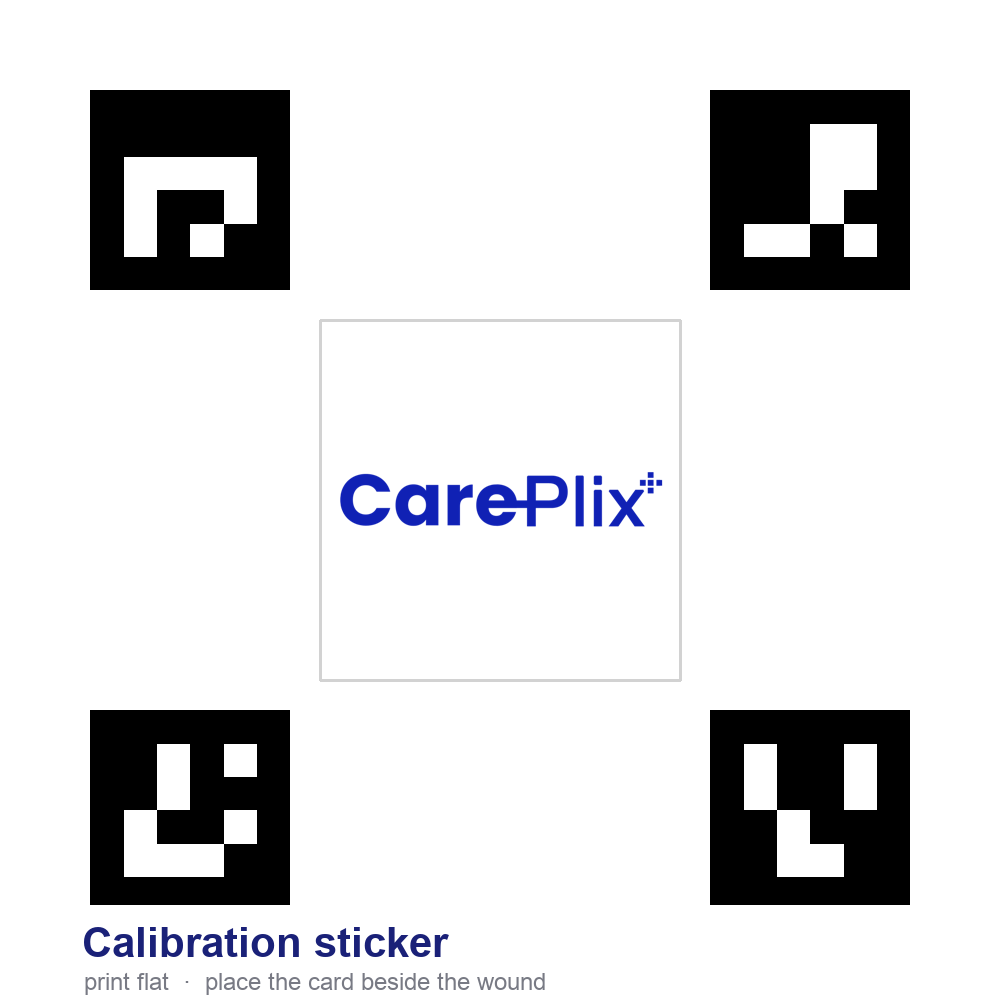
Capture the wound with the CarePlix calibration sticker visible — all 4 corner squares in frame.
🩹
Capture the wound with the CarePlix calibration sticker visible
Entire wound and calibration sticker must be within the frame.
Draw the box over the wound and drag to fit. Tap ⟳ or drag the orange handle to rotate it to the wound's angle.
✓ Selection saved · locked
Uploading photo…
Processing Wound Image
Calibrating true scale and computing wound dimensions…
❌
Processing Failed
We couldn't measure this image. Please retake and try again.
📐 Calibrated
Wound area
—
—
—
Width · —
—
Height · —
Measured to true scale from the CarePlix calibration sticker — comparable across every visit.
Captured images
Perspective-corrected · ROIOriginal photo
Perimeter
—
—
On-ground measurement
Width (cm) — widest part
Length / height (cm) — longest part
Area (cm²) — calculated
Perimeter (cm) — calculated
Measured by
Notes
Enter the width and length you measured on the patient with a ruler — the area and perimeter are worked out for you.
Wellness vitals
A 30–60s contactless face scan estimates Heart rate, Respiratory rate, SpO₂, BMI & a BP class. Demo / research use only — not clinically approved; confirm with certified devices.
Captured vitals
On-site observations
Bedside wound assessment (TIME + infection) and clinical notes. Completes the assessment for charting & billing.
0 of 0 required
✅
Assessment complete
Measurement, labs, vitals and observations are saved to the case.